

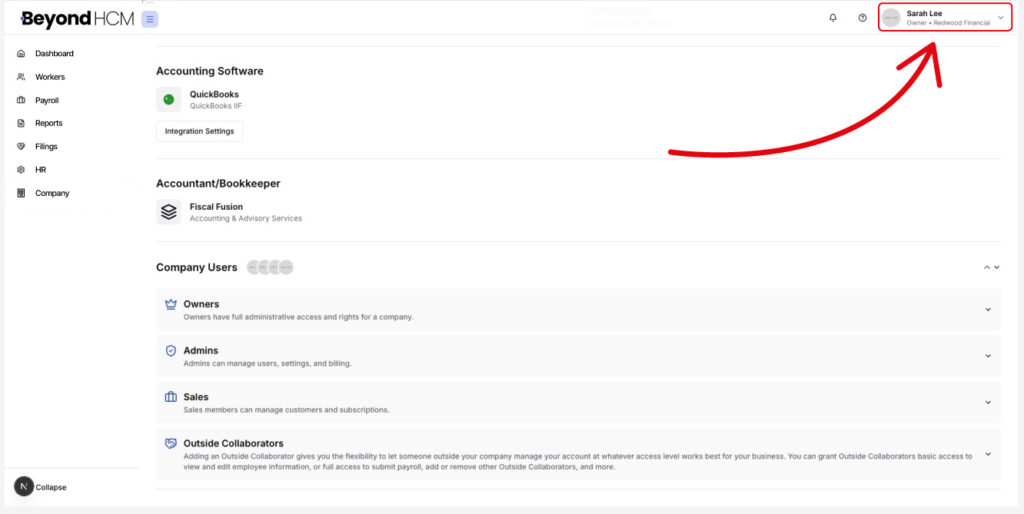

How to Update Your Profile
Accessing Your Profile
Here, you can update your personal information, such as your name and email, add a recovery email, change your password, or enable Multi-Factor Authentication (MFA) for added security.
You can modify any profile details at any time by clicking the pencil icon, including:
Additionally, you can view a list of devices that have accessed your Beyond account under Registered Devices.
If you still have any questions, please don’t hesitate to reach out. Our team will be happy to provide answers and assist you in any way we can.