

Company Users: Granting Payroll Access and Permissions

Beyond allows you to add payroll administrators as Company Users and control the information they can access as well as the actions they can perform.
Summary of Company User Levels
An Owner is a Company User responsible for the business’s tax filings and payments. Owners can only be added or removed by contacting Beyond.
Owners can assign or restrict access to payroll information through the following user types:
HR Manager
Approver
Controller
Outside Collaborator
Administrative Access by Company User Type
Owner
Owners have full view and edit access to the company profile. They can see all employee information, the company bank account, and have complete access to hire employees, run payroll, request support, and more.
HR Manager
HR Managers cannot access the company section but can enter payroll for the employees they oversee. They cannot finalize payroll.
Approver
Approvers can perform most Owner actions except:
- Adding or removing users
- Viewing the company bank account
- Verifying test debits and credits
Controller
Controllers have similar access as Approvers, except they cannot:
- Change company preferences
- Finalize payroll
Outside Collaborator
An Outside Collaborator is an accounting firm member who is not an employee but manages payroll on the company’s behalf. Access varies depending on how they are added:
- If the company is enrolled by the accounting firm:
- Can add or remove other Outside Collaborators
- Can run payroll
- Cannot add or remove Company Users
Administrative Access by Feature
User experience depends on the role’s permissions across these areas:
Company menu
HR menu
Notifications
Employee Portal
Partner Dashboard (for accountants and bookkeepers)
Company Menu
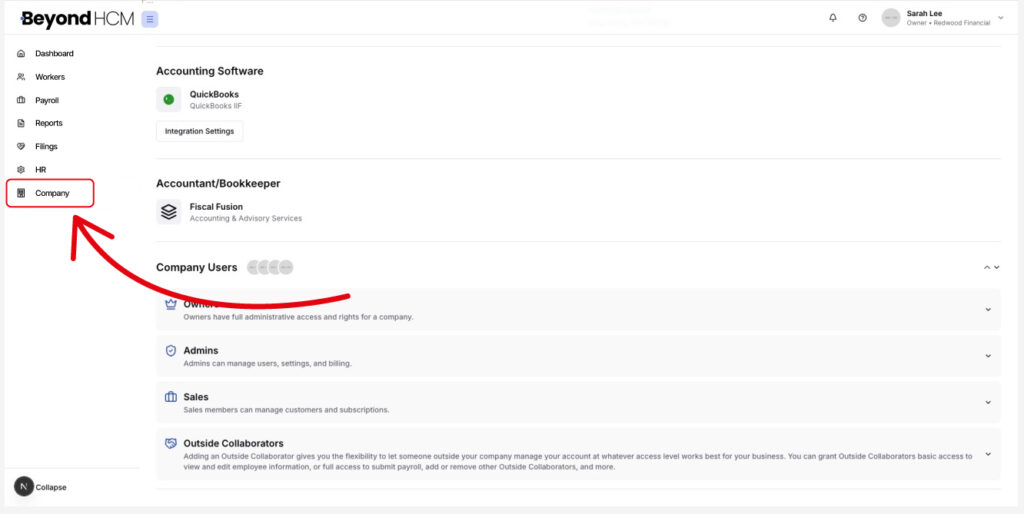
Owner: Full access to profile, bank account, and test debit/credit verification.
HR Manager: Can enter payroll but cannot finalize payroll.
Approver: Most Owner functions except user management and bank account access.
Controller: Can enter payroll but cannot finalize it, change preferences, or manage users.
Outside Collaborator: Access varies; may run payroll but cannot manage company-level users.
HR Menu
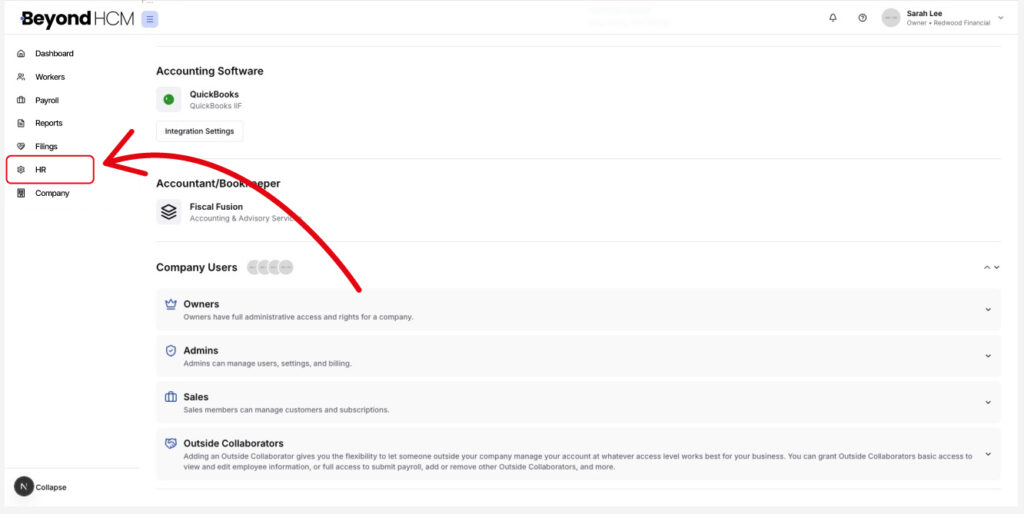
Owner: Full access
HR Manager: No access
Approver, Controller, Outside Collaborator: Full access
Reports
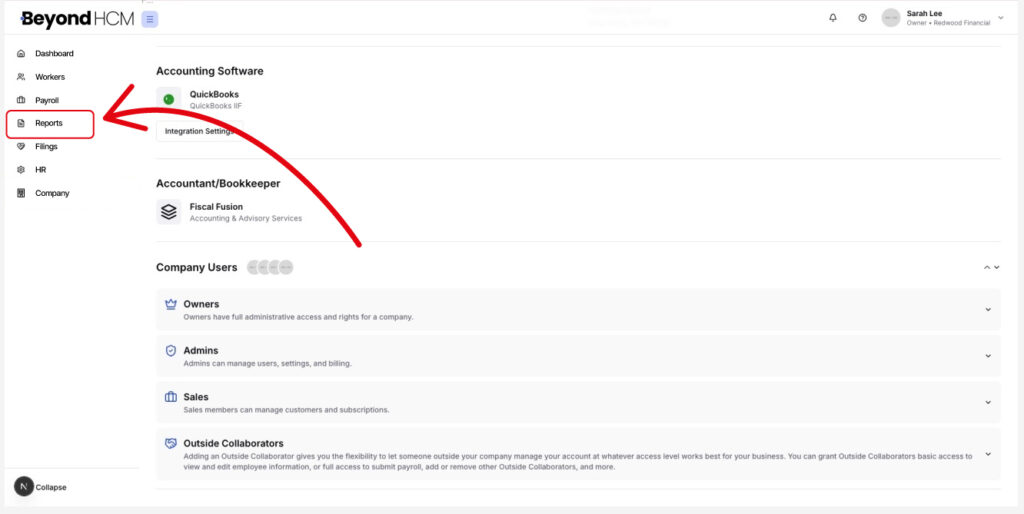
Owner: Full access
HR Manager: Limited reporting for assigned employees only
Approver, Controller, Outside Collaborator: Full access
Notifications
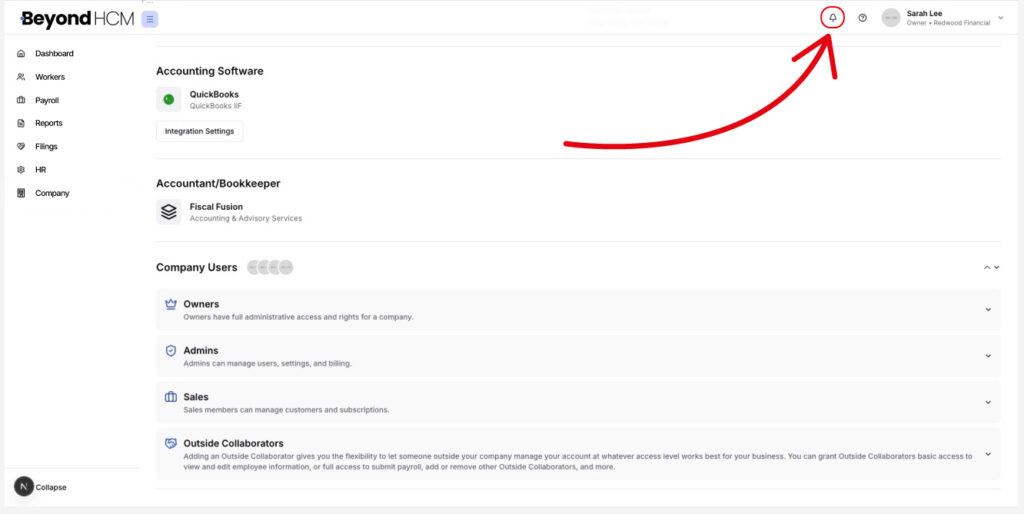
Owner: All notifications
HR Manager: Paycheck confirmations only
Approver: All except paycheck confirmations
Controller: Paycheck confirmations only
Outside Collaborator: Most notifications
Employee: Paycheck notifications only
Employee Portal
Employees have lifetime access for year-end forms and documents.
Partner Dashboard (Accountants & Bookkeepers)
Members: Can access only the accounts they manage; cannot manage user access.
Administrators: Full view of all accounts and can manage user access.
Employee Information Access
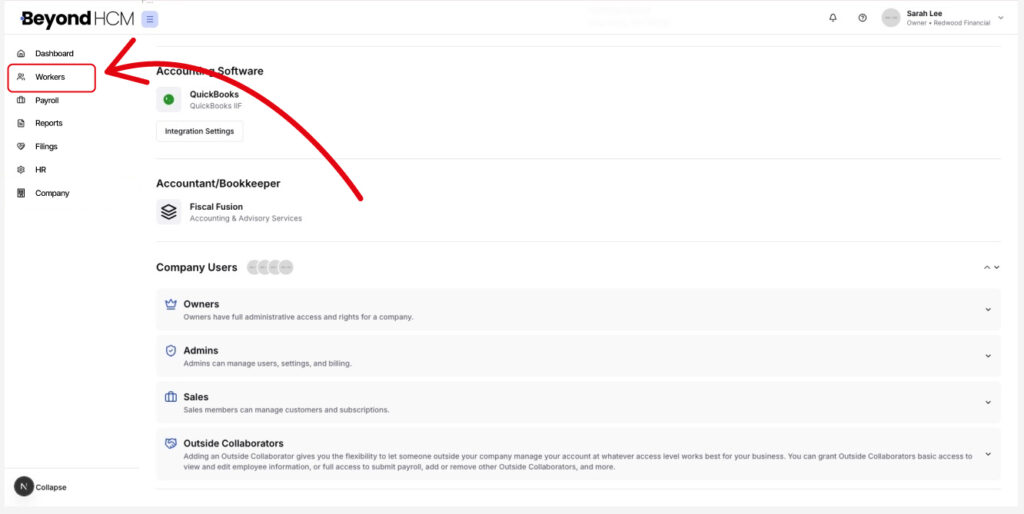
Owner: Full access to employee profiles
HR Manager: Can manage assigned employees’ payroll, update HR info, send invitations to Employee Portal, manage checklists, file audits, view/upload documents, create notes, start conversations, and view custom forms. Cannot finalize payroll or access bank accounts.
Approver: Full profile access
Controller: Full profile access except for bank account
Outside Collaborator: Can run/approve payroll if permitted by the Owner; full profile access except bank account
Need Help?
If you still have any questions, please don’t hesitate to reach out. Our team will be happy to provide answers and assist you in any way we can.